Push sync · one direction · US + QuickBooks Online
Will my books stay right?
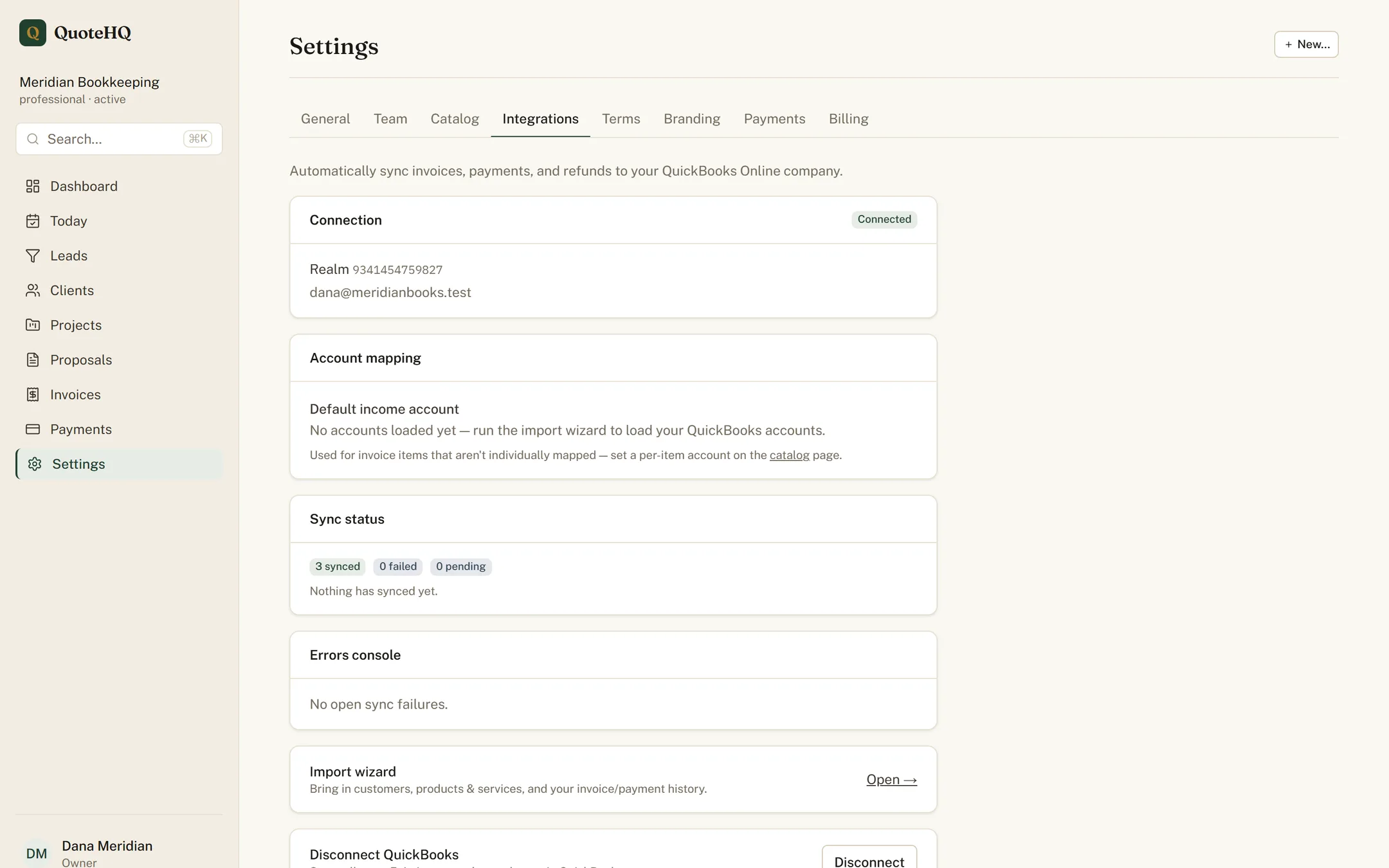
Connect QuickBooks Online once. Every invoice and payment posts itself — categorized, nothing to re-key — so month-end is a review, not a night of data entry.
Push only
One source of truth, pushed one way.
QuoteHQ is the system of record, and the sync runs one direction: into QuickBooks. Nothing edits your books behind your back, and there is no two-way merge to untangle. What you do in QuoteHQ shows up in QuickBooks the moment money moves — typed once, never again.
Categorized as it happens.
Each event maps to the right place in your chart of accounts the moment it happens — see where below, not batched up for a monthly cleanup.
| In QuoteHQ | In QuickBooks | How it posts |
|---|---|---|
| Invoice sent | QuickBooks Invoice | Same line items, same customer. |
| Payment received | QuickBooks Payment | Applied against the open invoice. |
| Card price difference | Its own expense line | Kept separate from revenue — never blended into your income. |
| Card price uplift | “Card Program Offset” line | Added to the invoice itself. |
The dual-pricing accounting
The card difference books itself, honestly.
Revenue posts at your base price, never the inflated card amount. Whatever a card payment actually costs to run books itself as its own line, kept separate from revenue — so your top line always reads clean, whichever rail the client used. If a payment is later refunded, that line stays exactly where it is; the card network already kept its share, and QuoteHQ doesn’t pretend otherwise.
The card-price uplift itself — the small amount that keeps a card payment netting your full quote — rides along on the invoice as its own labeled line, so a client who asks what it is can see it in plain language, and your books show precisely where it went.
Start connected
Bring your existing books in.
Already have customers and items in QuickBooks? The import wizard pulls them in dependency order — accounts, then items, then customers — and matches them to what’s in QuoteHQ. You start connected, not from a blank slate.
- 01
Accounts
Your chart of accounts comes over first.
- 02
Items
Products and services map to your catalog.
- 03
Customers
Matched by email, or created if they’re new.
Scope, honestly
Sync supports US businesses on QuickBooks Online, one company per account. It is push only for now — QuoteHQ writes to QuickBooks, not the other way around. If you run a different edition or need two-way sync, it isn’t here yet, and we’d rather say so than pretend.
Keep reading
Live in QuickBooks all day? QuoteHQ for bookkeepers and for consultants.
Close the month in a review, not a marathon.
Start free, connect QuickBooks Online, and let every transaction post itself.