For photographers & videographers
The CRM for photographers — booked on a signed deposit.
Get the contract signed and the deposit cleared before you hold the date, bill the balance after the shoot, and keep a sealed audit trail on every usage term.
Your week, mapped
No signed contract, no held date.
A verbal “yes” and a promised deposit are how a date gets double-booked. QuoteHQ carries every booking from the first inquiry to the delivered gallery, one line at a time.
- 01Lead
An inquiry becomes a booking worth quoting.
A couple or a client asks what a package would run. Note it as a lead, and the next step — a quote — is one click away, not a fresh email thread.
- 02Quote
Build the package from coverage and usage terms.
Draft the quote from line items — hours of coverage, prints, delivery timeline, usage rights — and send a branded page the client reads on a phone.
- 03Signed
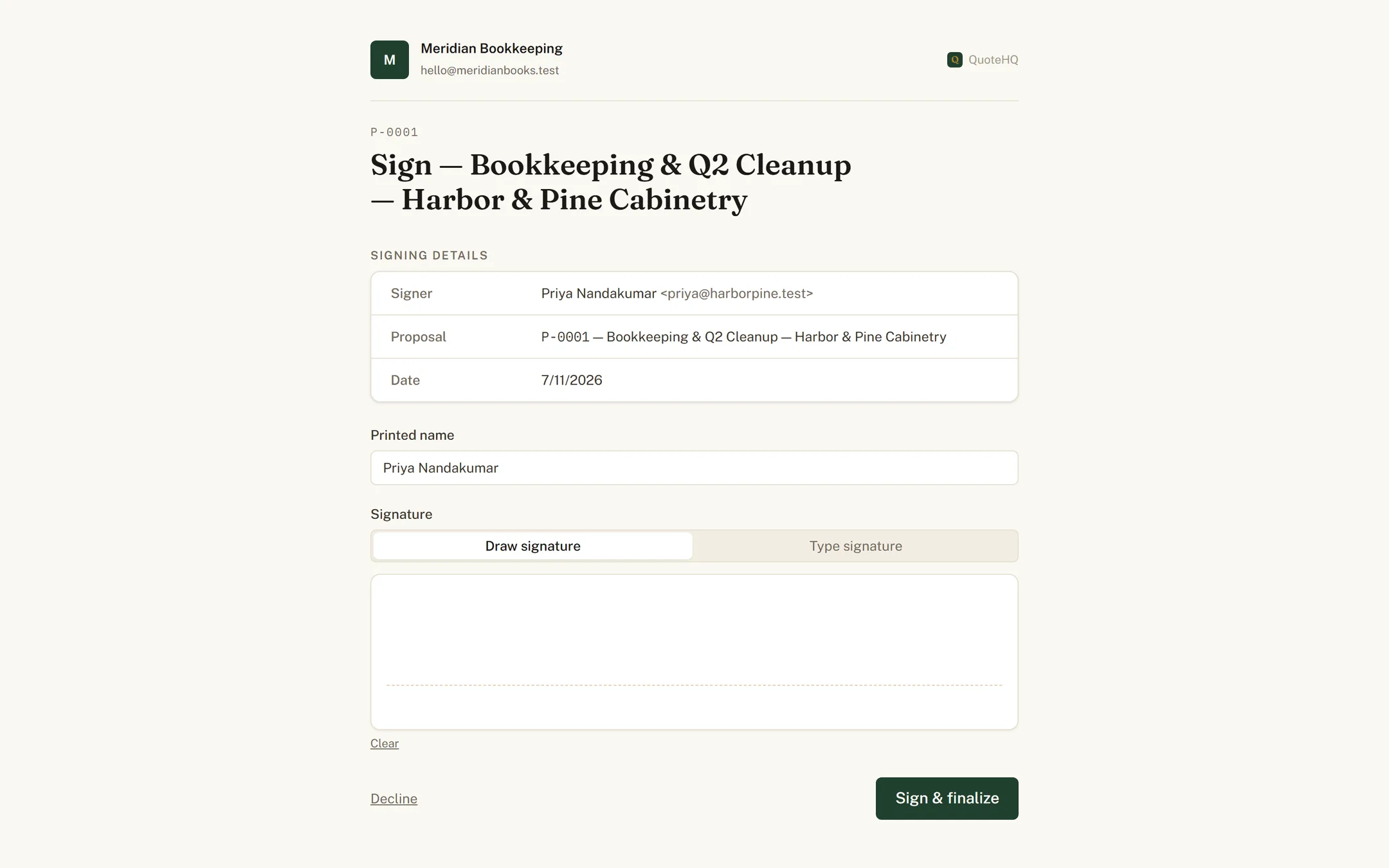
The client signs the contract online.
The client e-signs in the browser. You get an ESIGN-compliant, sealed PDF — the usage terms everyone agreed to, on the record before you commit to the date.
- 04Scheduled
The date lands on your calendar.
A signed booking is the only kind that holds the date — no more penciling in a maybe that never converts. See every shoot in one view.
- 05Invoiced
The deposit fires the moment it's signed.
The deposit invoice goes out with the contract, so the date isn't held until both are done. After the shoot, the balance invoice raises itself.
- 06Paid
Card or bank clears the deposit, then the balance.
The client picks how they'd rather pay. Either way you collect the full amount you quoted before you deliver a single final image.
- 07Booked
Every booking posts to QuickBooks, categorized.
The deposit and the balance post the moment money moves, and any card-price difference lands categorized right alongside them — nothing to re-key once the gallery ships.
The question every photographer asks first
What happens if the shoot date changes?
Send the new date as a signed addendum — it gets the same ESIGN-compliant, sealed record as the original contract, with its own timestamp. The original booking stays exactly what it was; the addendum is the record of what changed and when the client agreed to it. The deposit already paid carries over — nothing gets re-collected.
Questions photographers ask.
What does QuoteHQ cost for a photography business?
Three per-seat plans, billed monthly: Core at $29, Pro at $79, and Agency at $149 per user, per month. A solo shooter runs on one seat; add a seat per second shooter or studio manager who books work. Every plan starts with a 14-day free trial and no card is required to begin.
Does it sync deposits and balances to QuickBooks?
Yes. QuoteHQ pushes to QuickBooks Online for US businesses: the deposit, the balance invoice, the payments against them, and any card-price difference all post automatically and land categorized. Already keep books there? The import wizard brings your existing clients and packages over.
Does a signed contract hold up for usage and print rights?
It's built to the U.S. ESIGN Act. When the client signs the contract, QuoteHQ captures their consent, name, IP address, browser, and a timestamp, then seals the agreed scope — usage terms and all — to a tamper-evident PDF fingerprinted with a SHA-256 hash and keeps it archived.
Who pays the card difference on a big package?
You don't. Every deposit and balance invoice offers a card price — computed automatically — and a bank-transfer price. A client who pays by card covers the difference inside the card price; a bank transfer (ACH) carries no card difference at all. That difference is real money on a four-figure package, and it stays with you either way.
Do I own my client and booking data?
Yes. For the client records you enter, QuoteHQ acts as your processor — we never sell personal information and never use your data to train general-purpose AI models. Every signed contract is retained and downloadable as a sealed PDF, so your bookings and their terms stay yours.
Keep reading
Bigger productions or job-site work? QuoteHQ for event planners and for contractors.
Hold the date on a signature.
Start the trial, send your next contract, and book the date the moment the deposit clears.