CRM · Proposals · Scheduling · Invoicing · Payments · QuickBooks
One place to run the business — from first hello to money in the bank.
The CRM built for service businesses — quotes, scheduling, invoicing, and books that stay right.
14 days free · no card required · plans from $49.00/seat
What QuoteHQ does
One place to run the business, start to finish.
One product, one price
Stop juggling tools.
A CRM here, a proposal tool there, a separate e-sign app, a scheduler, an invoicing tool, and something to chase follow-ups — six logins for one job. You don’t need more apps. You need one.
One loop, closed every time.
Seven entries, posted like a ledger — lead to quote to signed to scheduled to invoiced to paid to booked. Each one hands off to the next.
- 01
Lead
A first call becomes a card on the board.
- 02
Quote
Describe the job; the proposal writes itself.
- 03
Signed
Legally binding e-signature, sealed on the spot.
- 04
Scheduled
The signed job lands on the calendar by itself.
- 05
Invoiced
The invoice fires the moment the work is done.
- 06
Paid
Card or bank transfer, whichever the client prefers.
- 07
Booked
Every invoice and payment posts itself.
See it work
Watch a quote become money.
Click through the same five steps a real job takes — quoted, signed, invoiced, paid, and posted to the books.
A five-minute quote, priced and on its way.
- Design
- $1,200.00
- Build-out
- $600.00
Built for the people who send the invoice.
Already on QuickBooks? Good.
QuoteHQ pushes every invoice and payment across — your books stay right, nothing to re-key.
A note from me
I built QuoteHQ after watching good service businesses lose hours in the gap between winning work and getting paid — a proposal in one tool, a signature in another, an invoice in a third, and the books always a week behind.
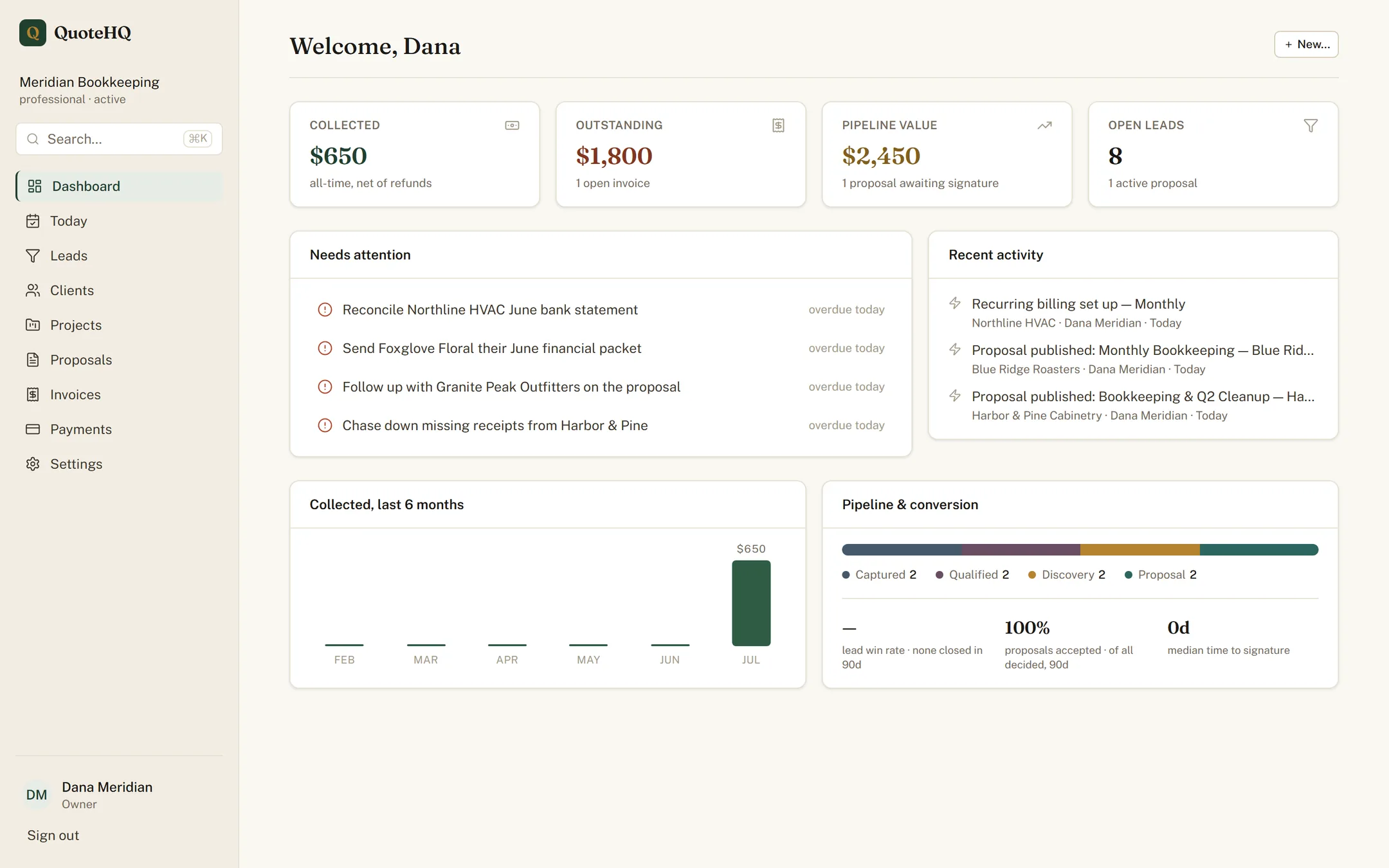
This is early. There’s no wall of logos here — what’s real is on the page: the screenshots above are the actual product, and I read every support email myself.
— David Perez, founder
Shipping weekly — see what’s new →
Simple, per-seat pricing
Quote it this afternoon.
Every plan gets the full loop — CRM, proposals, scheduling, invoicing, and QuickBooks sync. Start the trial and see it close before the day is out.
14 days free · no card required · plans from $49.00/seat