What to look for in a CRM when you run a service business
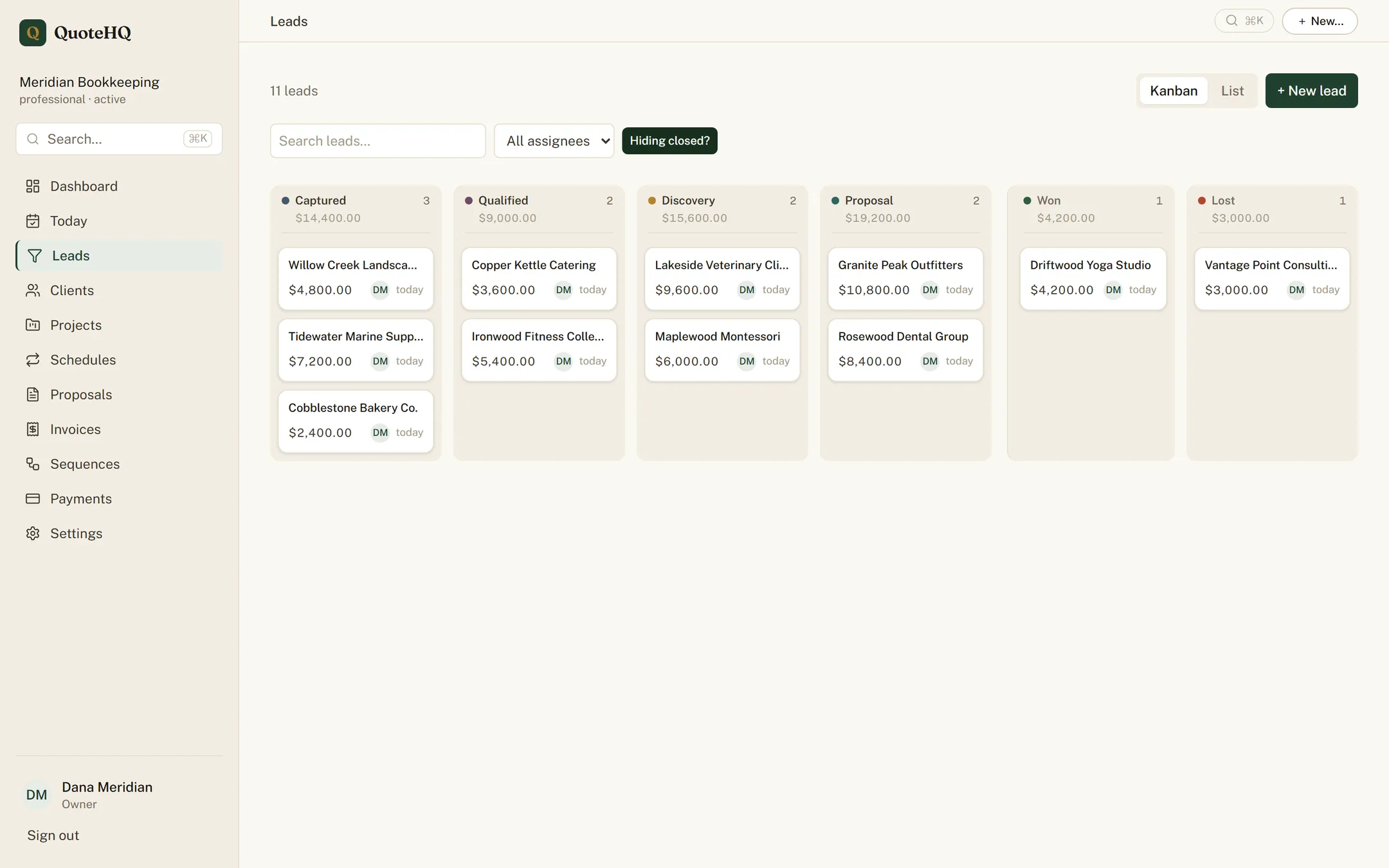
“CRM” gets used to describe two very different products. One is a contact database with a sales pipeline bolted on — built for a sales team that hands a closed deal off to someone else to deliver. The other is built for a business where the same handful of people quote the job, do the job, and collect for the job. If you run a service business, you want the second kind, and most of what’s marketed as a CRM is the first. Here’s what to actually look for.
The tell is usually in the demo. If a sales rep spends the whole call talking about lead scoring, deal forecasting, and territory assignment, you’re looking at a tool built to manage a sales team’s handoff to delivery — features that assume the person who closes the deal isn’t the person who does the work. A service business doesn’t have that handoff. The tool you want should assume the opposite: one person, or a small team, carrying a job from the first inquiry all the way to getting paid, with nothing falling through a seam in the middle.
1. A pipeline shaped like your sales process, not a template
Generic pipelines default to a software-sales shape — qualify, demo, negotiate, closed-won — that maps poorly onto a service business, where the stages are closer to inquiry, estimate, signed, and delivered. Look for a pipeline you can actually rename and reorder to match how you sell, not one you have to reinterpret every time you look at it. The CRM page covers how leads, clients, and stages fit together.
2. Proposals and e-signature, not a PDF you email around
A proposal that lives as an attached PDF is a proposal nobody can track — you don’t know if it was opened, and getting it signed means a separate tool or a scan-and-email round trip. A proposal built into the CRM turns into a trackable link, gets signed in the browser with a real audit trail, and connects back to the lead it came from. See proposals for the shape of that flow.
3. Invoicing that starts from the signed agreement
The moment a client signs is the moment they’re most ready to pay. A CRM that treats invoicing as a disconnected tool means re-entering the numbers a second time, days later, once the enthusiasm has cooled. Look for invoicing that’s wired to what was actually proposed and signed, not a blank invoice form you fill out from memory. Full mechanics on invoices & payments.
4. Scheduling that matches how the work actually happens
If your business runs recurring visits — a route, a cleaning cadence, a standing service — a CRM without scheduling forces you to run a second calendar tool and manually keep the two in sync. Look for scheduling that’s aware of the client and the invoice, so a completed visit can turn directly into billable work instead of a note you have to remember to act on. See scheduling.
5. Automation for the follow-ups you’d otherwise forget
A lead that goes quiet after one email is a lead you lost to inattention, not to the competition. Automated follow-up sequences, payment reminders, and recurring billing exist so the routine chasing happens without you remembering to do it — see automation. This is the pillar worth being skeptical of: automation that fires blindly and can’t be stopped once a client responds is worse than no automation at all. Ask how a sequence exits when the goal is already met.
6. Books that update themselves
If you or a bookkeeper eventually needs this data in QuickBooks, ask whether that sync is automatic or a monthly chore. A CRM that pushes invoices, payments, and any card-price difference into your books the moment money moves saves a close that would otherwise take an afternoon of matching deposits by hand. The QuickBooks sync page covers what posts and when.
How to actually tell, in a trial
The six pillars above are easy to nod along to in a features list and much more revealing to test directly. Take one real lead through the whole loop before you decide: quote it, send the proposal, sign it yourself as the “client,” watch the invoice fire, and see whether the schedule and the books pick it up without you manually stitching the steps together. A tool that’s genuinely built around the six pillars makes that walkthrough boring — nothing to re-key, nothing to remember to do next. A tool that’s a pipeline with everything else bolted on makes that same walkthrough feel like assembling furniture.
When you don’t need a CRM at all
None of this is an argument that every business needs this software today. If you’re quoting two jobs a month from a phone and a notebook, a CRM is a solution looking for a problem — the overhead of learning a new tool can cost more than the disorganization it fixes. A spreadsheet plus a shared calendar genuinely works fine at that scale; we’ve laid out the honest tradeoffs in QuoteHQ vs. a spreadsheet. The moment it stops working is usually obvious: a lead falls through because nobody remembered to follow up, an invoice goes out late because it wasn’t on anyone’s list, or you’re spending more hours on admin than you’d spend learning a tool that does it for you. That’s the point to go looking — for the six pillars above, not just a pipeline with a promise attached.
Quote it. Sign it. Get paid.
Start a free trial and run the whole loop — proposal, signature, deposit, books that write themselves — before the day is out.